Complete Guide to Setting Up Your Google Business Profile in Malaysia
Step-by-step guide to creating and optimizing your Google Business Profile. Get found in Google Maps and attract more local customers.
Adam Yong
RM1 Website
Your Google Business Profile Is Your Most Valuable Free Marketing Tool
If there is one thing I wish every Malaysian business owner understood, it is this: your Google Business Profile (formerly Google My Business) is the single most important free marketing tool available to local businesses. Full stop.
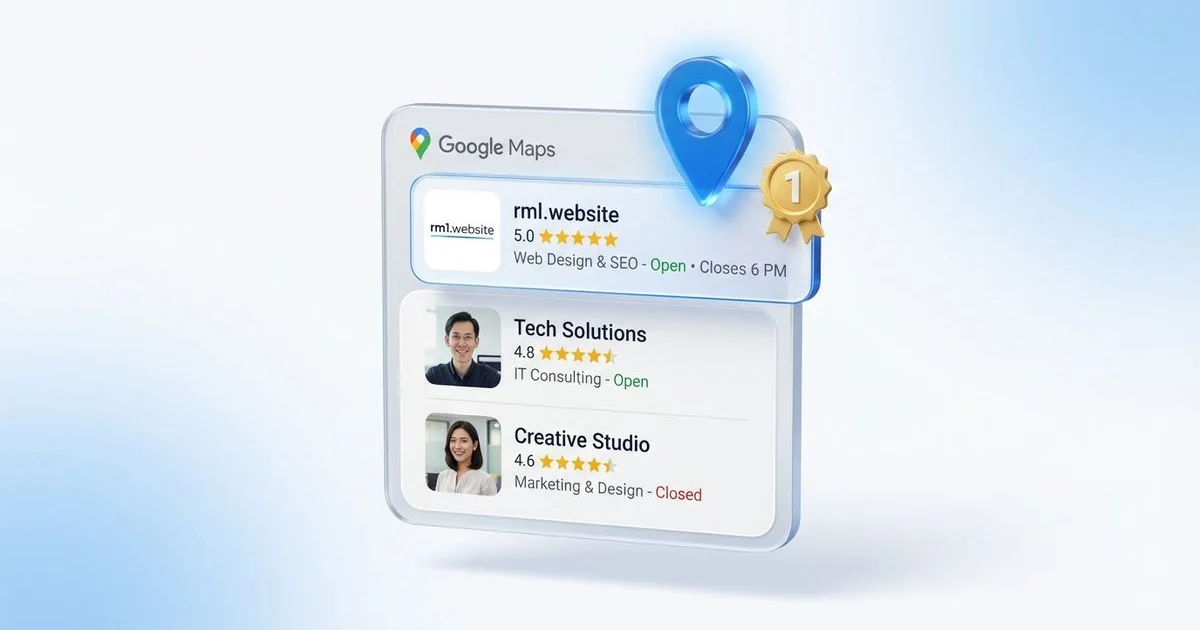
When someone in Malaysia searches for a service near them, Google shows three things: ads at the top, the Map Pack with three local businesses in the middle, and organic search results below. That Map Pack, powered entirely by Google Business Profiles, gets clicked on more than anything else on the page.
After 20 years helping Malaysian businesses get found online, I have seen businesses transform their customer flow simply by properly setting up and optimising their Google Business Profile. And yet, the majority of Malaysian SMEs either have not claimed theirs or have done a bare-minimum setup that is costing them visibility.
This guide walks you through the complete setup and optimisation process, step by step.
Step 1: Claim or Create Your Google Business Profile
The first step is to check whether your business already has a profile. Google sometimes creates basic listings automatically from public information, so your business might already exist on Google Maps.
To check and claim:
- Go to business.google.com
- Sign in with a Google account (create one if needed)
- Search for your business name and address
- If it exists, click “Claim this business” and follow the verification process
- If it does not exist, click “Add your business” to create a new profile
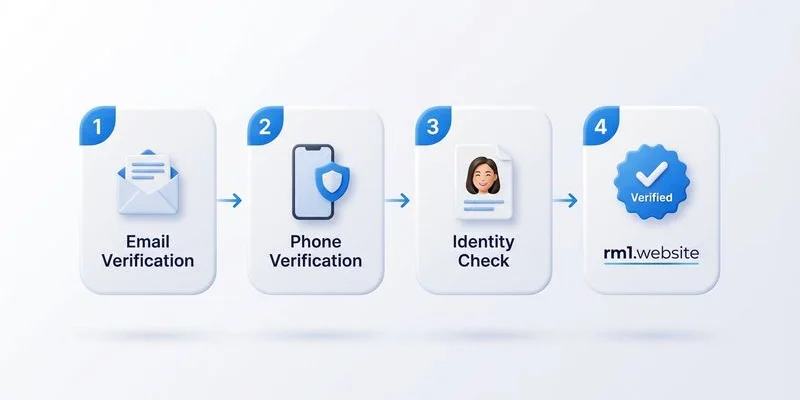
Verification methods Google offers in Malaysia:
- Postcard by mail (most common, takes 5-14 days to reach your address)
- Phone verification (instant, but not available for all businesses)
- Email verification (sometimes offered for established businesses)
- Video verification (newer option, requires you to film your business premises)
Important: use a Google account that you own and control, not a personal Gmail account that belongs to a staff member who might leave. I have seen Malaysian businesses lose access to their profiles because the account belonged to a former employee.
Step 2: Complete Every Section of Your Profile
Google rewards completeness. Profiles that are 100% filled out rank significantly higher than incomplete ones. Here is exactly what you need to fill in:
Business Name
Use your exact legal business name. Do not stuff keywords in here. “Ahmad’s Plumbing Services” is correct. “Ahmad’s Plumbing Services - Best Plumber KL Selangor PJ Cheap Plumber” is keyword stuffing and can get your profile suspended.
Business Category
Choose your primary category carefully, it is the most important ranking factor for your profile. Google offers hundreds of categories. Be as specific as possible.
Good examples:
- “Plumber” instead of “Home improvement”
- “Dental clinic” instead of “Medical centre”
- “Air conditioning contractor” instead of “Contractor”
You can add up to 9 additional categories. Use these for secondary services you offer.
Address and Service Area
If customers visit your business (a restaurant, clinic, or shop), add your complete address. If you go to customers (a plumber, electrician, or cleaner), you can hide your address and instead specify service areas.
For service areas, add the specific cities, towns, and neighbourhoods you serve. For a plumber in the Klang Valley, this might include Kuala Lumpur, Petaling Jaya, Subang Jaya, Shah Alam, and Klang.
Contact Information
Add your phone number (preferably a landline or dedicated business mobile number) and your website URL. Make sure the phone number is one you actually answer during business hours. Nothing hurts more than a potential customer calling the number on your Google profile and getting no answer.
Business Hours
Set accurate hours for every day of the week. Include special hours for public holidays (Hari Raya, Chinese New Year, Deepavali). Google penalises businesses that have incorrect hours, especially if a customer arrives at your location during your stated hours and finds you closed.
Business Description
You get 750 characters. Use them wisely. Describe what your business does, who you serve, and what makes you different. Include your location naturally.
Good example: “Ahmad’s Plumbing Services has provided reliable plumbing repair and installation services to homeowners across the Klang Valley since 2010. Specialising in emergency pipe repair, water heater installation, and bathroom renovation, we serve Kuala Lumpur, Petaling Jaya, Subang Jaya, and Shah Alam with same-day service available.”
Bad example: “Best plumber KL. Cheap plumber PJ. Emergency plumber Subang. Call now for plumbing services.”
Step 3: Add High-Quality Photos
Photos are massively underutilised by Malaysian businesses. Google’s own data shows that businesses with photos receive 42% more requests for directions and 35% more clicks to their website.
Photos you should add:
- Cover photo: Your best single image representing your business (this appears largest)
- Logo: Your business logo for brand recognition
- Exterior photos: Show your shopfront or business location (helps customers find you)
- Interior photos: Show the inside of your premises (builds trust)
- Team photos: Show your team at work (humanises your business)
- Work photos: Show completed projects, before/after shots, or your product
- Customer photos: Happy customers (with permission) using your service
Upload at least 10 to 15 photos when you first set up your profile, then add new photos monthly. Fresh photos signal to Google that your business is active and well-maintained.
Photo tips:
- Use real photos, not stock photos (Google can detect stock photos)
- Minimum resolution of 720 x 720 pixels
- Well-lit, clear, and professional-looking
- Geo-tag your photos with your business location if possible
Step 4: Get and Respond to Reviews
Reviews are the second most important ranking factor for your Google Business Profile, right after your business category. The quantity, quality, and recency of your reviews directly affect where you appear in the Map Pack.
How to get more reviews:
- Ask satisfied customers directly (this is the most effective method)
- Send a follow-up WhatsApp message with your Google review link
- Include a review request on your receipts or invoices
- Create a short URL for your review link and print it on business cards
Finding your review link:
- Go to your Google Business Profile Manager
- Click “Home”
- Find the “Get more reviews” card
- Copy the short link provided
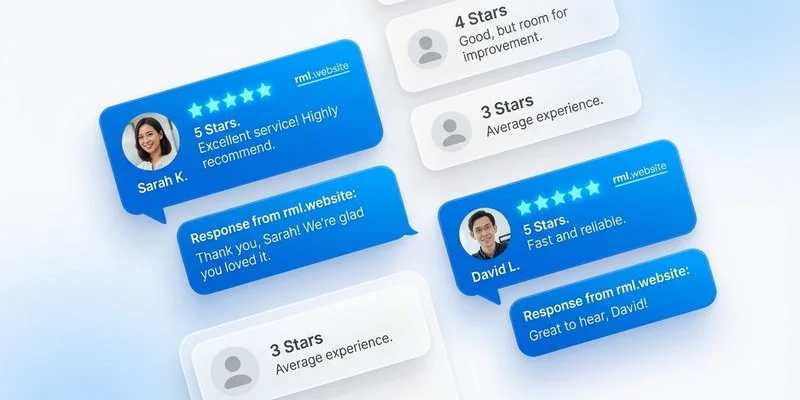
Responding to reviews: Respond to every single review, both positive and negative. For positive reviews, thank the customer specifically. For negative reviews, acknowledge the issue, apologise if appropriate, and offer to resolve it offline.
Google sees responsiveness as a trust signal. Businesses that respond to reviews rank higher than those that ignore them. And potential customers read your responses to decide whether to trust you.
Step 5: Post Regular Updates
Google Business Profile has a posts feature that many Malaysian businesses completely ignore. Posts appear on your profile and in Google search results, giving you extra visibility.
Types of posts you should publish:
- What’s New: Business updates, new services, team news
- Offers: Promotions, discounts, seasonal deals
- Events: Workshops, open days, community events
Post at least once per week. Posts expire after 7 days (except event posts), so consistency matters. Each post should include a relevant image, a short description, and a call-to-action button (Call, Learn More, Book, Order).
Step 6: Add Products and Services
List all your services with descriptions and price ranges. This helps Google understand what you offer and can trigger your profile to appear for relevant searches.
For each service, include:
- Service name
- Short description (300 characters)
- Price or price range (optional but recommended, even if it is “From RM50”)
If you sell products, add them to the Products section with photos, descriptions, and prices.
Step 7: Use Google Business Profile Messaging
Enable the messaging feature to let customers contact you directly from your Google profile. Many Malaysian consumers prefer texting over calling, especially younger demographics. Set up automated welcome messages and make sure you respond within 24 hours, Google tracks your response time and displays it on your profile.
Step 8: Monitor Your Insights
Google Business Profile provides valuable data about how customers find and interact with your business:
- Search queries: What people searched for before finding your profile
- How customers found you: Direct search vs discovery search
- Customer actions: Calls, direction requests, website visits
- Photo views: How often your photos are viewed versus competitors
Review these insights monthly to understand what is working and where you need to improve. If you notice most customers find you through “discovery” searches (generic queries like “plumber near me” rather than your business name), it means your profile optimisation is working.
Connecting Your Profile to Your Website
Your Google Business Profile and your website should work together as a unified local SEO strategy. Make sure:
- Your website URL in your profile links to your actual homepage
- Your business name, address, and phone number (NAP) are identical on both your website and profile
- Your website has proper LocalBusiness schema markup that matches your profile information
- You have a dedicated contact page on your website with an embedded Google Map
For a website that is built from the ground up with local SEO in mind, the RM1 Website Package includes proper schema markup, local SEO optimisation, and Google Maps integration as standard.
Advanced Optimisation Tips
Once your profile is set up and running, here are advanced strategies to push your visibility even further:
Use Google Q&A proactively. Seed your own Q&A section with common questions and answers before customers do. This controls the narrative and provides helpful information.
Track competitor profiles. Monitor what your top competitors are doing with their profiles, their review count, posting frequency, and photo quality, and aim to exceed them.
Optimise for voice search. Many Malaysians now search using voice (“Hey Google, find a plumber near me”). Ensure your services are described in natural, conversational language.
For a professional one-time setup, explore our Google Business Profile Optimization service. We handle the full audit, optimization, NAP sync, and give you a review collection kit.
Your Profile Is Just the Beginning
Setting up your Google Business Profile properly is the first step toward local search dominance. But it does not work in isolation. Combined with a fast, SEO-optimised website and consistent content that builds topical authority, your Google Business Profile becomes part of a powerful local SEO engine that drives real customers to your business.
Take the time to set it up right. Update it regularly. Respond to every review. Post weekly. The Malaysian businesses that treat their Google Business Profile as a core marketing channel are the ones winning the most customers in their local area.
Need a Website for Your Business?
Get a complete 15-page website for just RM1/day. No hidden fees.
WhatsApp Us